

1·
3 days agowoah, yeah, that’s… unusual, I would expect that arrow to look more like a sideways chevron – but there it was, and apparently I can also put themes in ~/.config/GIMP/3.2/themes
woah, yeah, that’s… unusual, I would expect that arrow to look more like a sideways chevron – but there it was, and apparently I can also put themes in ~/.config/GIMP/3.2/themes
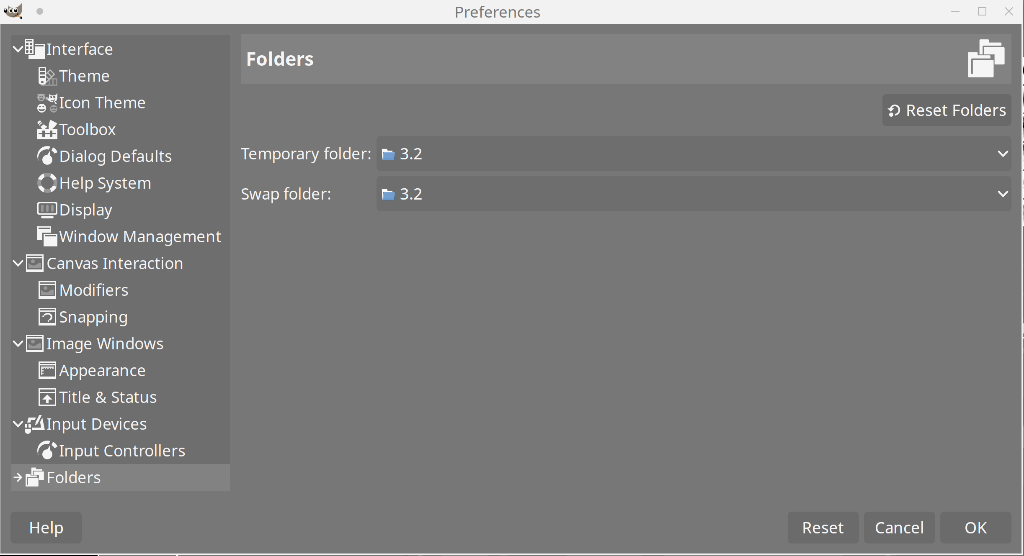
Yeah, no, this is what I’ve got under Folders:
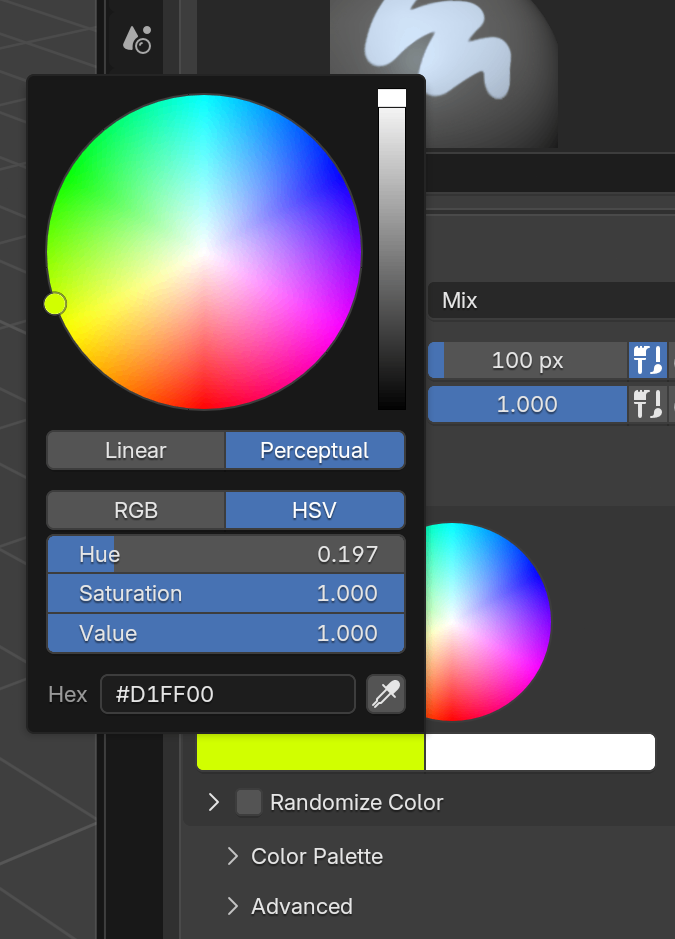
click the color preview, and you get a slightly bigger circle and you can also enter HSV and RGB values manually
it does look a little better, but I still think it’s messy
well, the first thing is that you might want to update the instructions for finding the themes folder. In Gimp I had to look under preferences-interface-theme to find the folder – and even then it was a bit of a journey, since I installed it with flatpak, so the folder ended up being in /var/lib/flatpak/app/org.gimp.GIMP/x86_64/stable/5c600asdghjsd0cfe6e9e5bcf71a2e8a1a7e0ca018f43aabfa38dc12bd0954034f06/files/share/gimp/3.0/themes/
…while the Gimp settings just say app/share/gimp/3.0/themes/
Nice, I’ll check it out
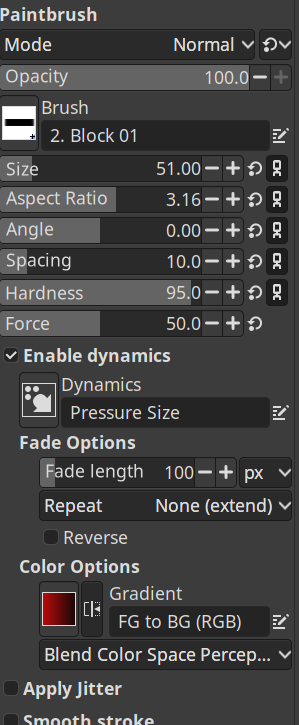
dude, at least screenshot the same palette
no, I’d say Blender looks a lot better. I tried to find a roughly equivalent palette for comparison:
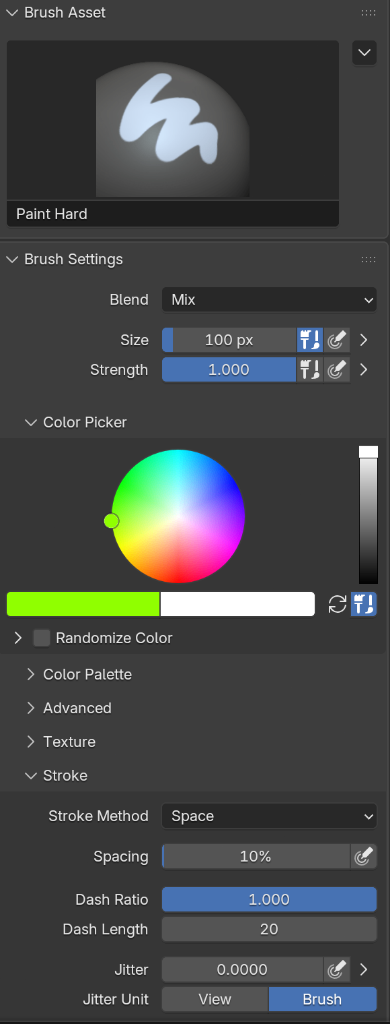
at minimum it would be nice if they just looked at the spacing and organization of the different palettes. This does not look tidy… or professional, really. It looks cramped and messy.
They did use Mint in a previous video, and in the comment field on Youtube there’s rumors he’ll be trying Kubuntu since Pop was so buggy.

If the software you need to use isn’t very demanding, you can run windows in a virtual machine (VM) inside of Linux – the exception is games that have kernel-level anti-cheat, those will probably never work on Linux in any way, and you’ll have to dual boot to run them. Most other games will run easily if you just install them with Steam, but I’ve come across a few that I use a VM for.
What software and games do you need to run? I might be able to help.
Also, the distro you should go for is called Linux Mint.
Mint has the perfect balance of stability, support and up-to-date-ness for beginners - and honestly for a lot of experienced users as well.

I hadn’t heard of the guy, so I searched him up… funny how these guys always look like Bond villains

the plausible deniability is getting thinner and thinner - this time it was that the whole video was jungle themed, so obviously it had nothing to do with racism!
Sloppy reading on my part as well. Seems like you want something between the standard windows/macos experience and i3, and that sounds like a good idea, but I’m not sure it exists
Fedora has an i3 flavor, you could try that - or just install whatever WM you want to check out on your current setup. You can usually select your WM on the login screen once it’s installed.
I guess the big question is how customizable this will end up being - all the arguments against it seem to assume there’s just an on-off switch, and that seems pretty stupid as anything but a tech demo.